Awards › Guides › Living with a tracker
Living with a tracker
A Privacy Checklist for Food Tracking Apps
A food diary is health data. Before you commit months of it to an app, spend ten minutes on eight checks: the store privacy label, permissions, health-platform access, account security, export, deletion, sharing settings and what happens if you stop paying.
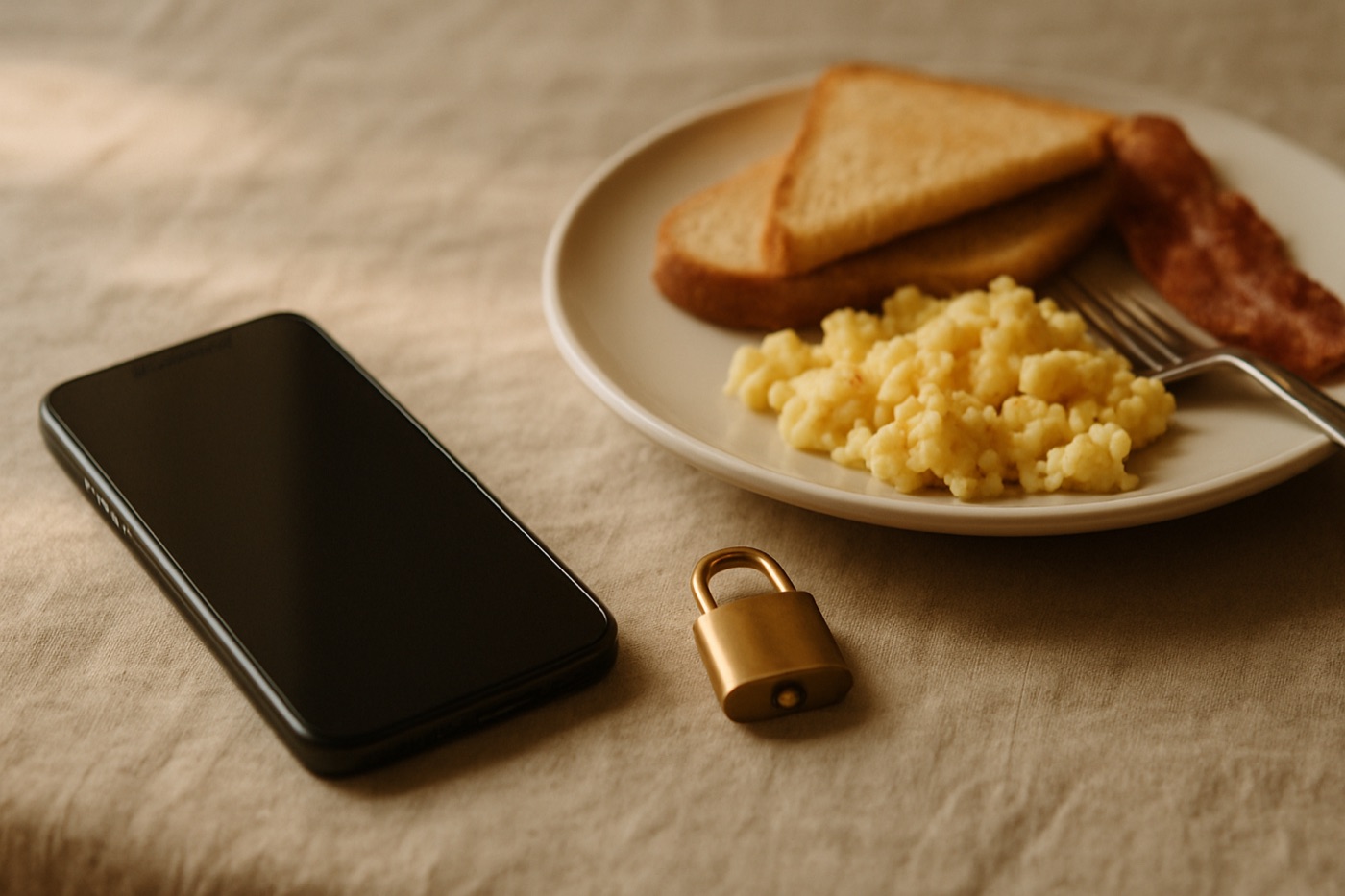
Over a few months, a food diary builds a detailed picture of your life: what you eat, when, where, your weight, perhaps your exercise, sleep or glucose readings. That is valuable to you, and it deserves the same care as any other health information. None of the checks below takes long.
1. Read the store privacy label
Both app stores summarise what an app’s developer says it collects:
- On iPhone and iPad, scroll to App Privacy on the App Store listing. It groups data into what is used to track you, what is linked to you and what is not linked to you.
- On Android, open the Data safety section of the Google Play listing. It lists data collected, data shared and whether data is encrypted in transit and can be deleted.
These labels are self-reported by developers, but they are a quick first filter.
2. Grant only the permissions you need
Food trackers may ask for the camera (for barcodes and photos), the microphone (for voice entries), notifications, location and contacts. Camera and notifications are often genuinely useful. Location and contacts rarely are for a food diary; you can usually decline them and keep using the app.
3. Choose health-platform access item by item
If you connect Apple Health on iPhone or Health Connect on Android, you will be asked which data types the app may read and write. You do not have to allow everything. Steps and weight may be useful; there is often no need to share every category. You can change these choices later in the Health app or the Health Connect settings.
4. Secure the account
Use a unique password or sign in with an option that supports two-factor protection. A food diary may not seem sensitive until you remember it contains your weight history.
5. Confirm you can export
Find the export option before you need it. Good apps let you download your full history in a standard format such as CSV or JSON. If you ever switch apps or want a record for your doctor, you will be glad it exists.
6. Confirm you can delete
Check how to delete your account and data, whether in settings or by request. In many places, including the European Union under the GDPR and California under the CCPA, you have legal rights to access and delete personal data held about you.
7. Review sharing and social settings
Some apps have social features: friends, public profiles, shared diaries or communities. Check what is visible to others by default, and switch off anything you did not choose deliberately.
8. Know what happens if you stop paying
If you upgrade and later cancel, check whether your history stays available on the free plan or whether some of it becomes inaccessible. Exporting before you cancel is a sensible habit.
Connecting AI assistants and other apps
Some trackers let you connect other services, such as fitness platforms or AI assistants, to your diary. Before you connect anything, check what it can read, whether it can change your data, and how to revoke access. Prefer connections that ask for specific permissions and show you clearly what you agreed to.
The checklist on one screen
| Check | Where |
|---|---|
| Privacy label | App Store (App Privacy) or Google Play (Data safety) |
| Permissions | Phone settings for the app |
| Health data | Apple Health or Health Connect, per data type |
| Account security | App account settings |
| Export | App settings or help pages |
| Deletion | App settings or privacy policy |
| Sharing | App social or profile settings |
| After cancelling | Subscription help pages |
The bottom line
Your food diary is health data. Ten minutes of checks at the start means you stay in control of it for as long as you use the app, and after.
Quick answers
Are food tracking apps safe for my privacy?
It depends on the app. Check its privacy label in the App Store or the Data safety section in Google Play, limit the permissions and health data it can read, confirm you can export and delete your data, and review its sharing settings.
Where can I see what data an app collects?
On iPhone, the App Store listing has an App Privacy section. On Android, the Google Play listing has a Data safety section. Both summarise what the developer says the app collects and how it is used.
Can I delete my data from a food tracking app?
Most reputable apps let you delete your account and data from settings or by request, and in many places the law gives you that right. Check the app's privacy policy and settings before you start.
Keep reading
Food Tracking Without Counting Calories
Living with a tracker
How Long Should You Track Your Food?
Living with a tracker
How to Choose a Food Tracking App You Will Actually Keep Using
Getting started
How to Start a Food Diary: Your First Fourteen Days
Getting started